No internet required

The event timer that never drops out.

Professional countdown timer that runs entirely on your laptop and shares a live display to every screen in the room. No internet. No accounts. No cost.

Also available for Windows and Linux · v1.1.0 · Free and open source

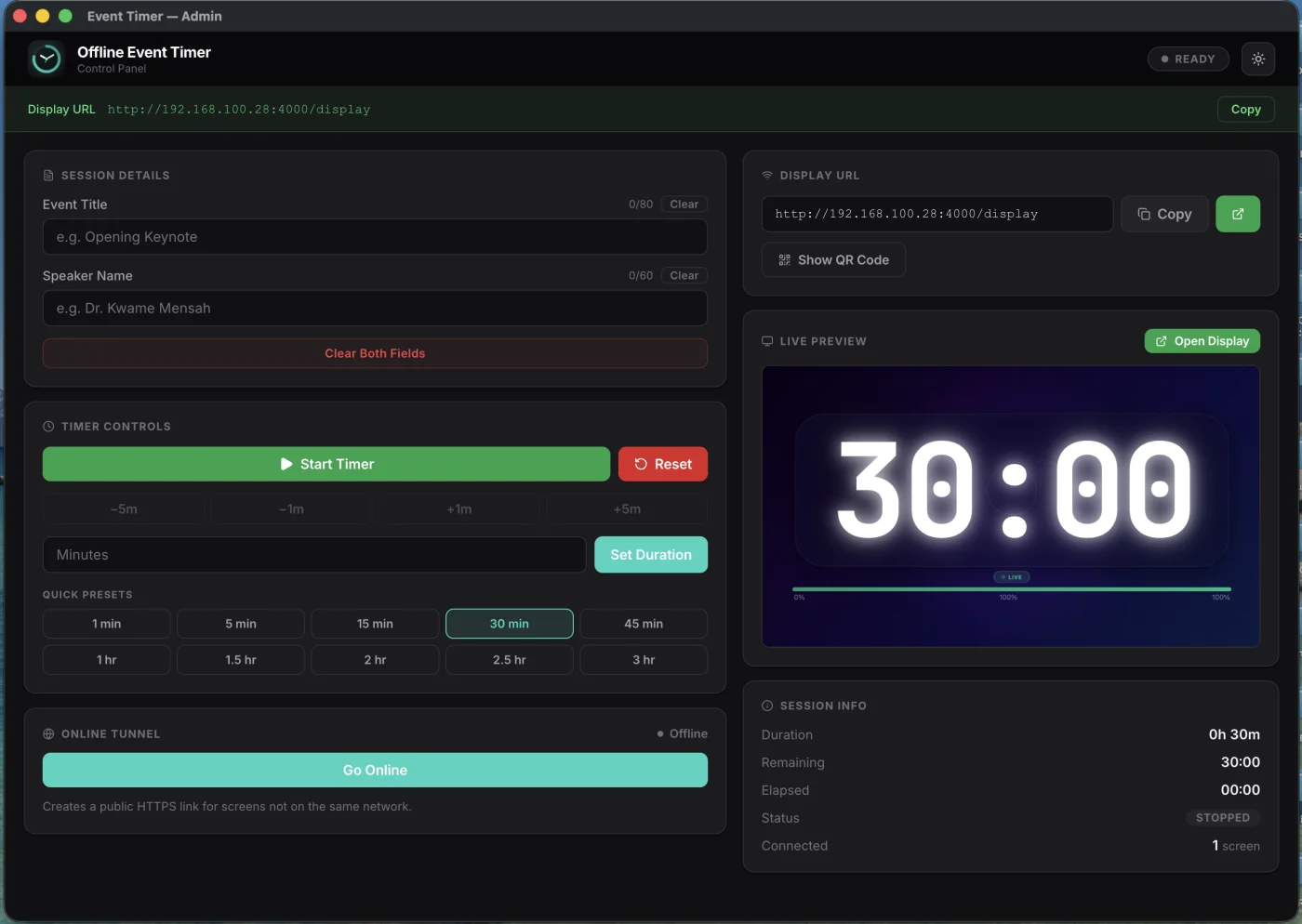
Admin control panel
Timer on phone

Phone

Timer on tablet

Tablet

Timer on projector
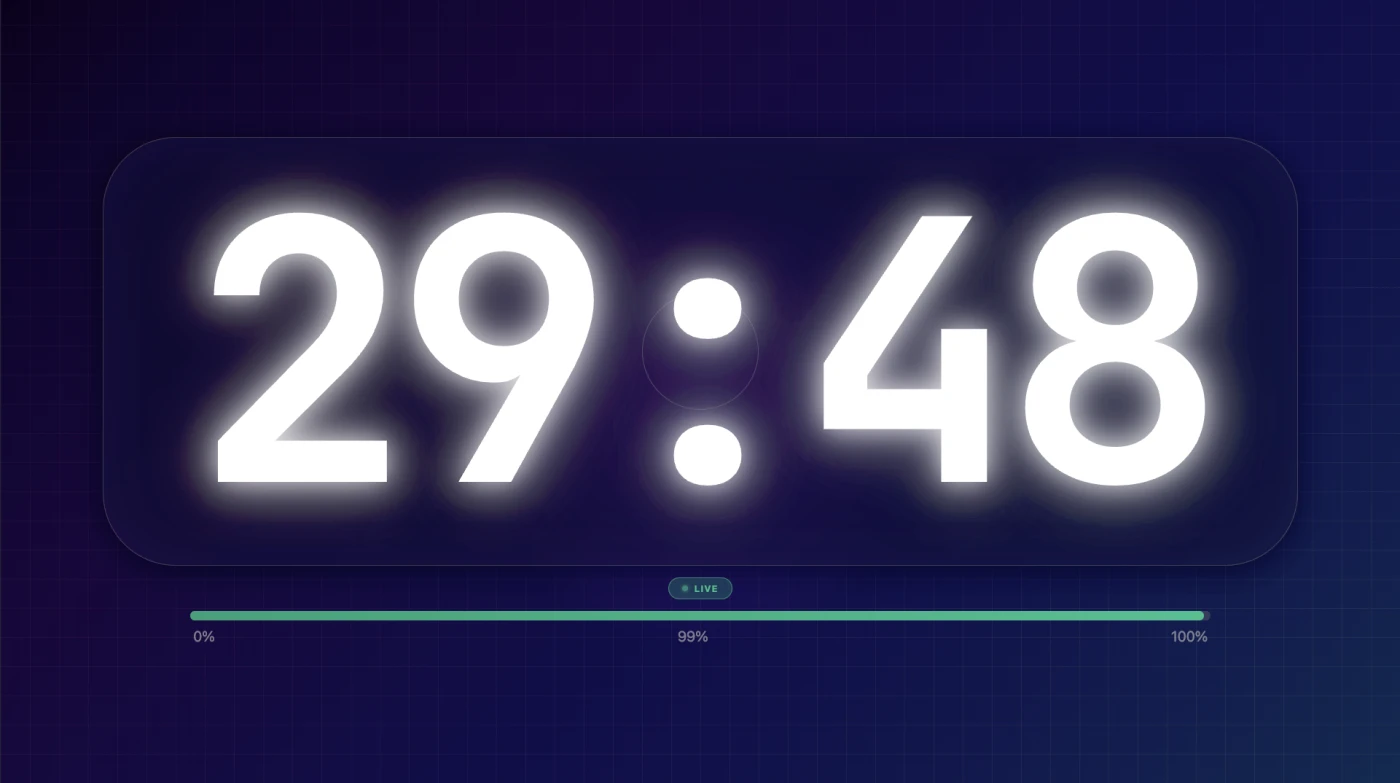
Display

Control from here. See it everywhere.

This is a real timer. Start it from the admin panel on the left. Watch it update on the display on the right — the same way it works on every screen at your event.

localhost:4000
Admin control panel
localhost:4000/display
Display screen

Control from one screen. See it on every other.

Built for the moments that matter most.

When a speaker has 5 minutes left, that information needs to be there. Always. On every screen. Without question.

Offline-first

Your laptop is the server. No internet needed to run, share, or sync. The room's router is the only infrastructure required.

Under 10ms sync

Every display updates in under 10 milliseconds. Direct WebSocket — no cloud relay, no polling, no lag.

Any screen, any device

Projectors, TVs, phones, tablets, second laptops. If it has a browser, it's a display. No app to install.

Designed for distance

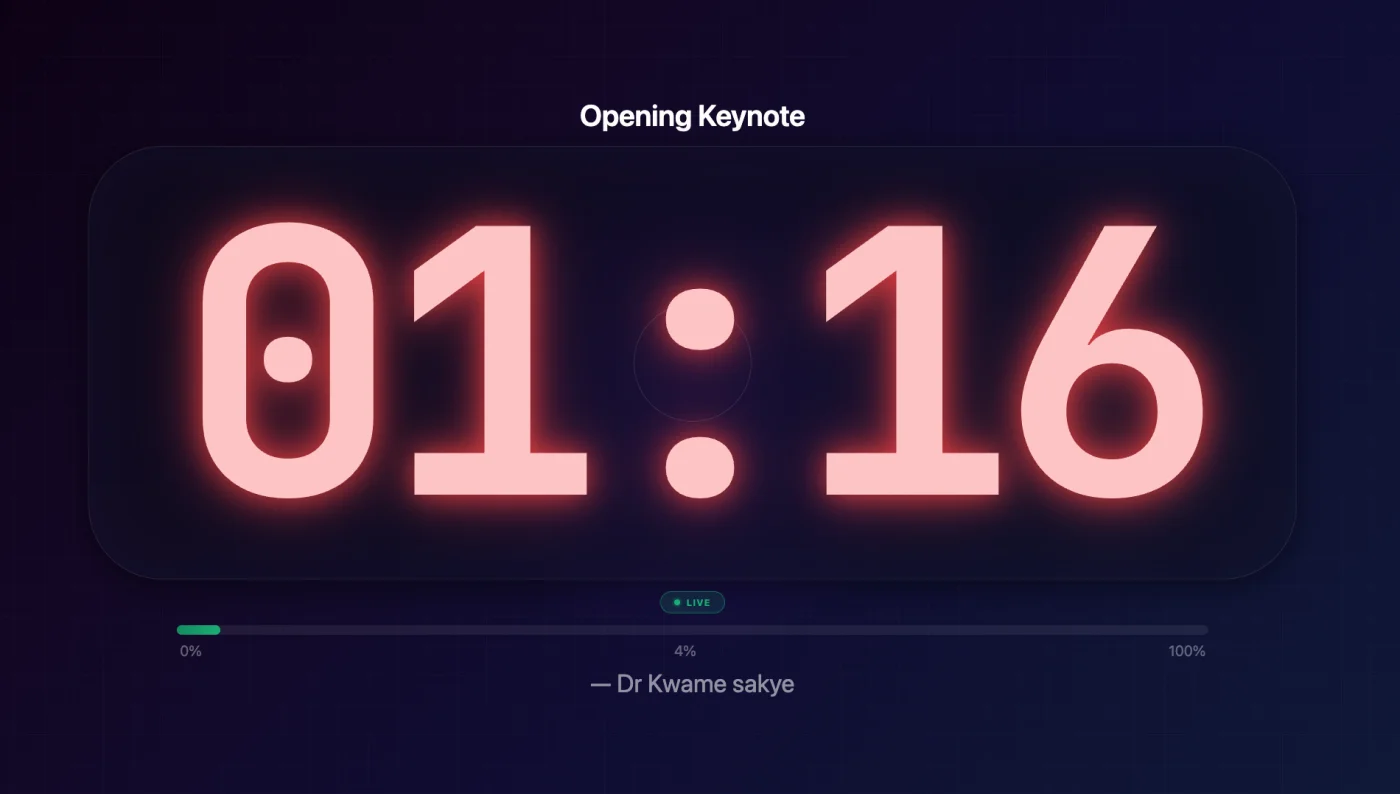
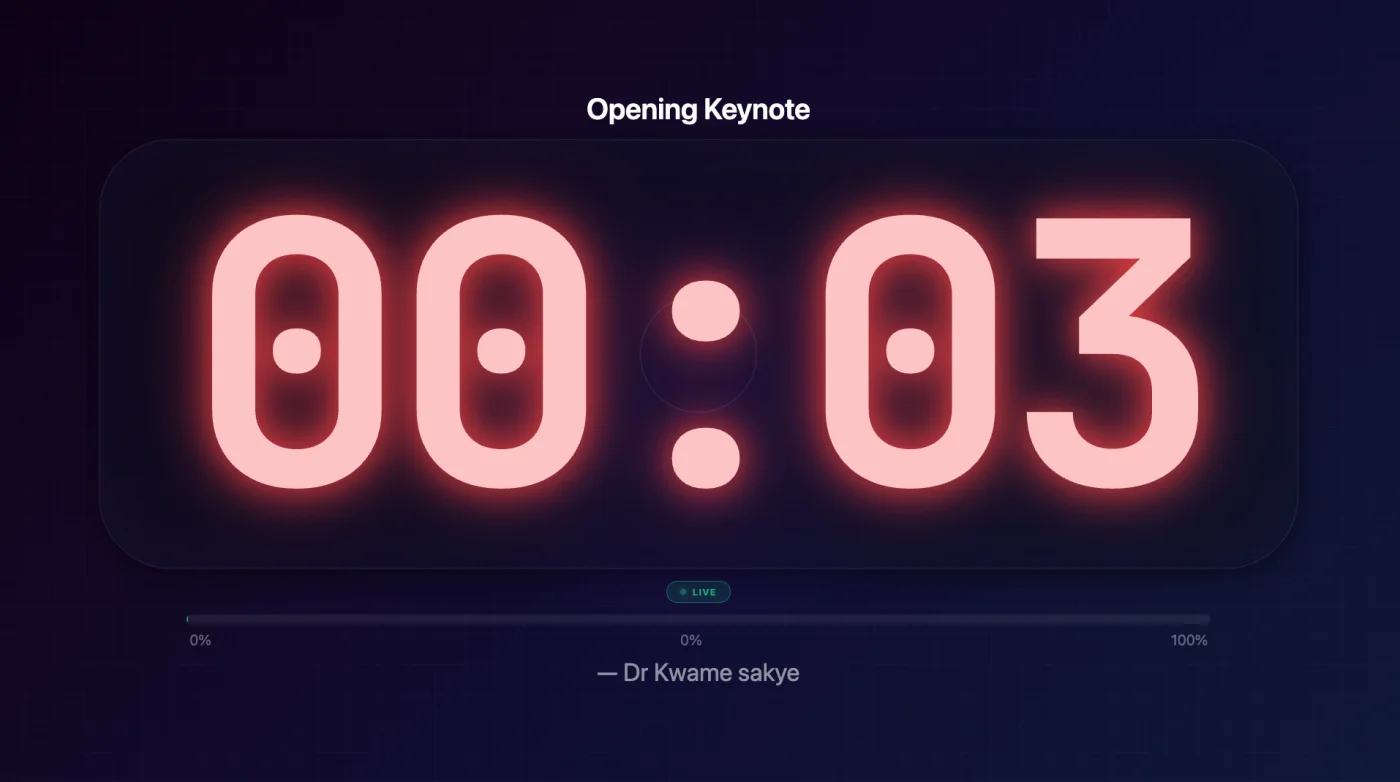
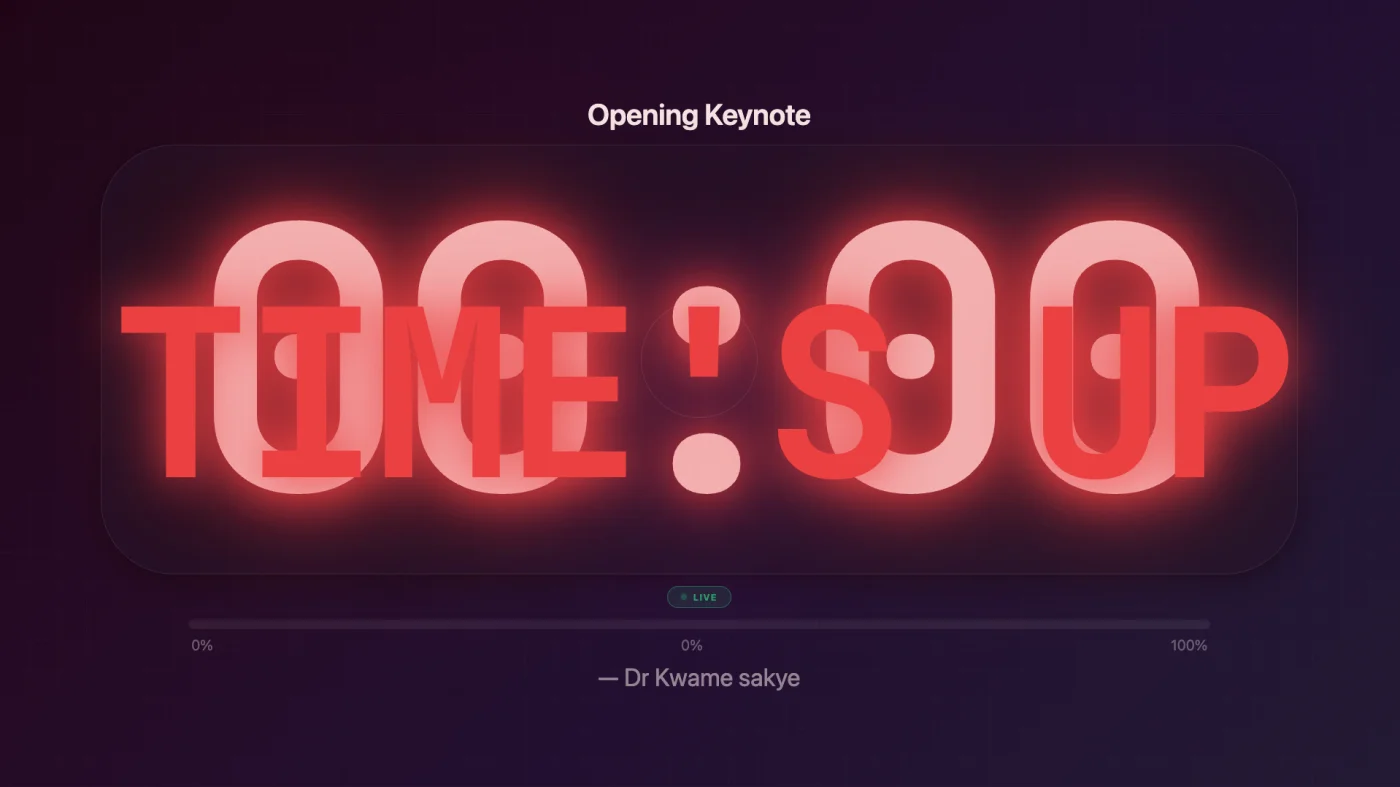
Huge glowing digits readable from 20 meters. Color phases shift from green to red as time runs out. Unmissable.

Total control

Presets from 1 minute to 3 hours. Custom durations. Add or subtract time mid-session. Start, pause, reset.

Go online (when you want)

One click creates a public HTTPS link for remote viewers. No account. No setup. Off by default — your timer, your choice.

Up and running in 30 seconds.

1

Open the app

Download and double-click. No accounts. No sign-up. No config.

Admin panel
2

Set your timer

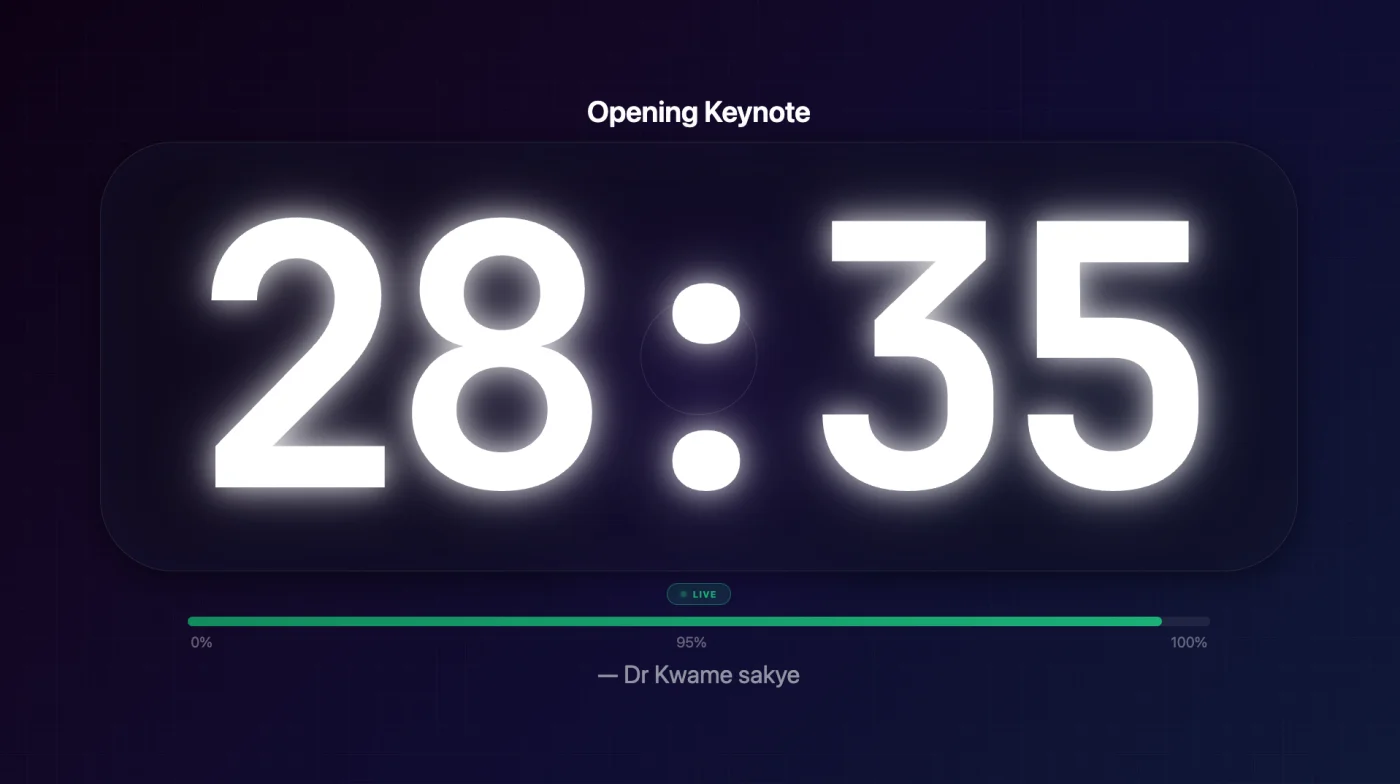
Enter event title, speaker, duration. Hit Start. That's the whole workflow.

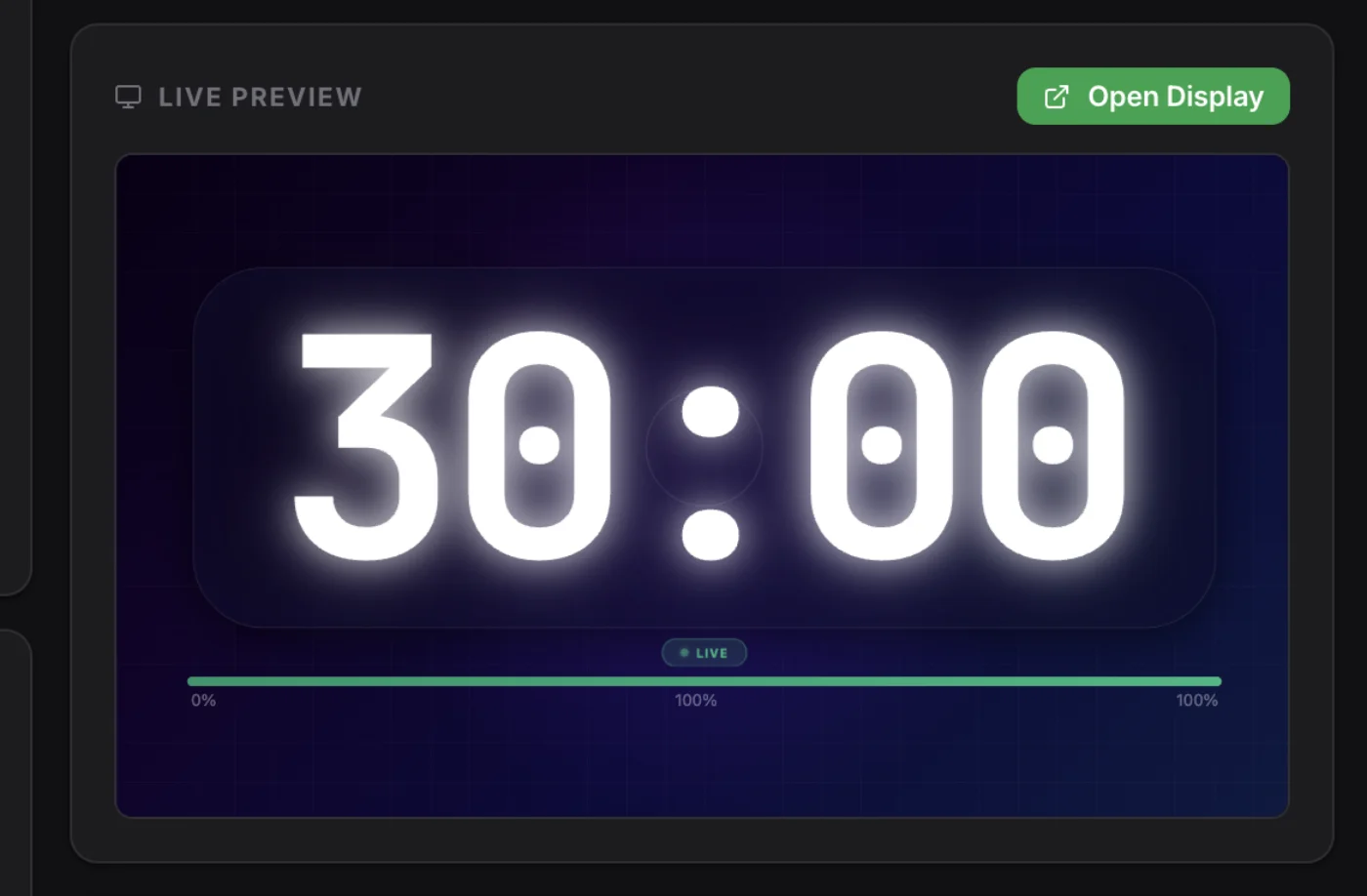
Admin preview
3

Share the link

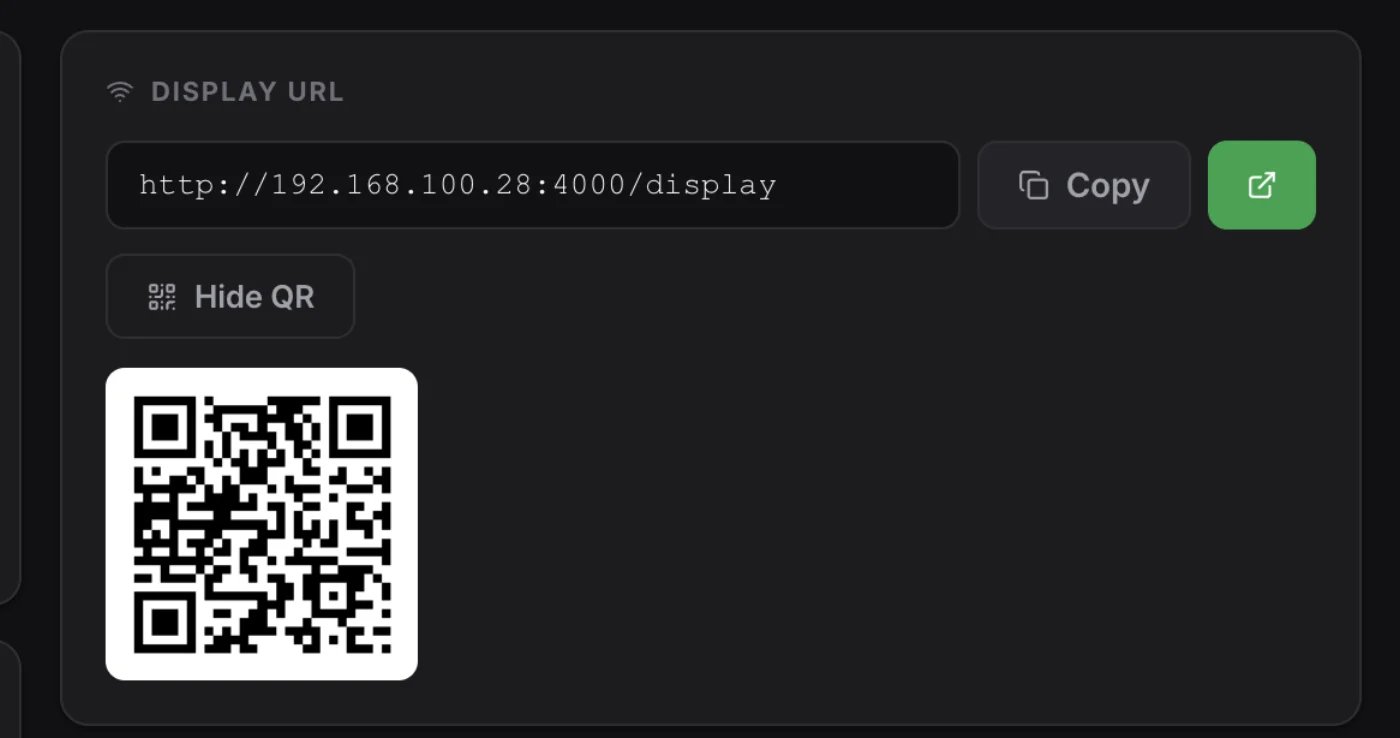
The app shows a LAN URL. Open it on any screen in the room.

Display with notes
4

Scan & go

Any phone can scan the QR code and see the countdown live. No app needed.

QR code sharing

See what your audience sees.

The display adapts as time runs out — calm green when there's plenty of time, urgent red when there isn't.

Why not just use a phone timer?

Because a phone timer can't do any of this.

Phone Timer

  • Can't share to projector
  • Tiny screen
  • No event details
  • No multi-screen sync
  • No color phases
Free
RECOMMENDED

This App

  • Works offline
  • Any screen on LAN
  • < 10ms latency
  • Reads at 20m
  • Event title + speaker name
  • Multi-screen sync
  • Phase colors
  • Audio chime
  • QR code sharing
  • Free forever
  • No account needed
Free

Web Timers

  • Needs internet
  • 100-500ms latency
  • Account required
  • May cost $
  • Unreliable at events
Free – $$$

Trusted at conferences, churches, hackathons, graduations, corporate workshops, and performances worldwide.

Conferences
Church Services
Corporate
Graduations
Hackathons
Performances

Ready to run your next event like a professional?

Download free. No account. No trial. No strings.

All platforms

macOS

Apple Silicon · .dmg

Download

macOS

Intel · .dmg

Download

Windows

64-bit · .exe

Download

Linux

x64 · .AppImage

Download

v1.1.0 · Free and open source · No account required